


Study Smarter. Submit Faster.
Save Up to 40%!
Read, annotate, edit, protect, and submit—all in KDAN PDF. Save up to 40% this August.
Document 365
BEST VALUE
USD 49.99/year
USD 59.99/year
Document 365 AI+
40% Off
USD 59.99/year
USD 99.99/year
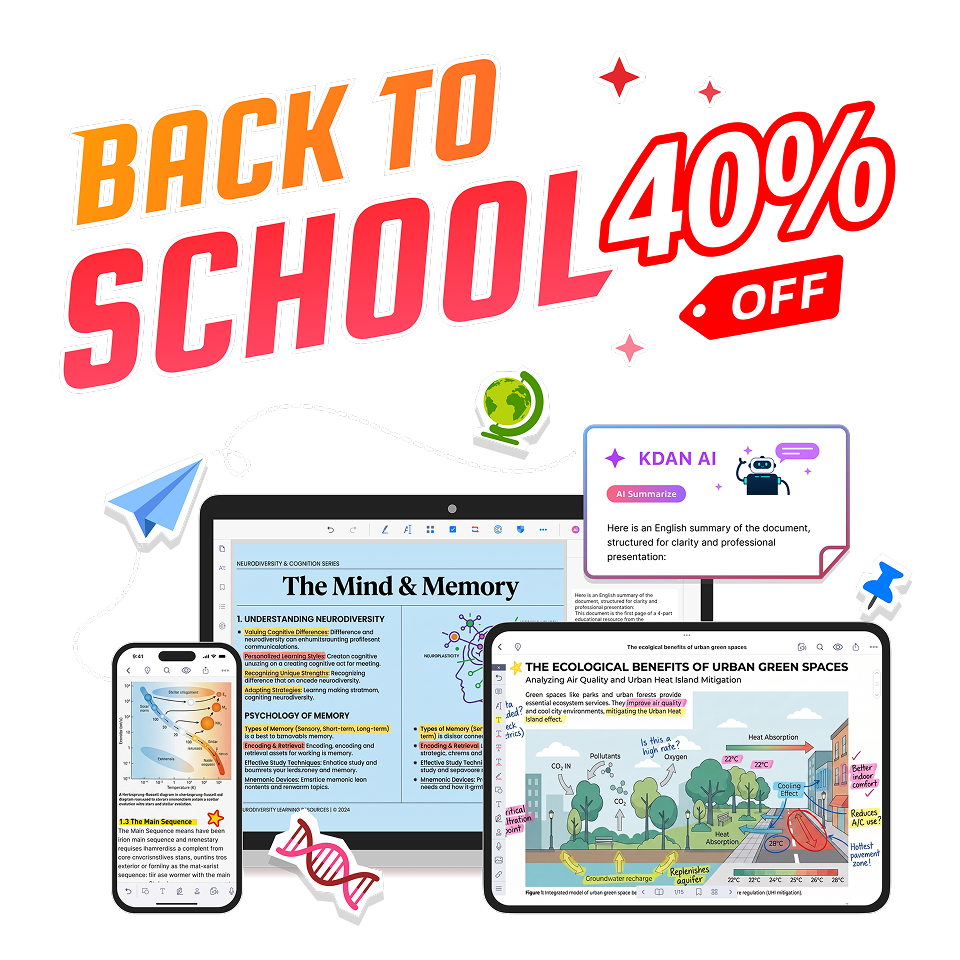
From Learning to Submission — All in One Workflow
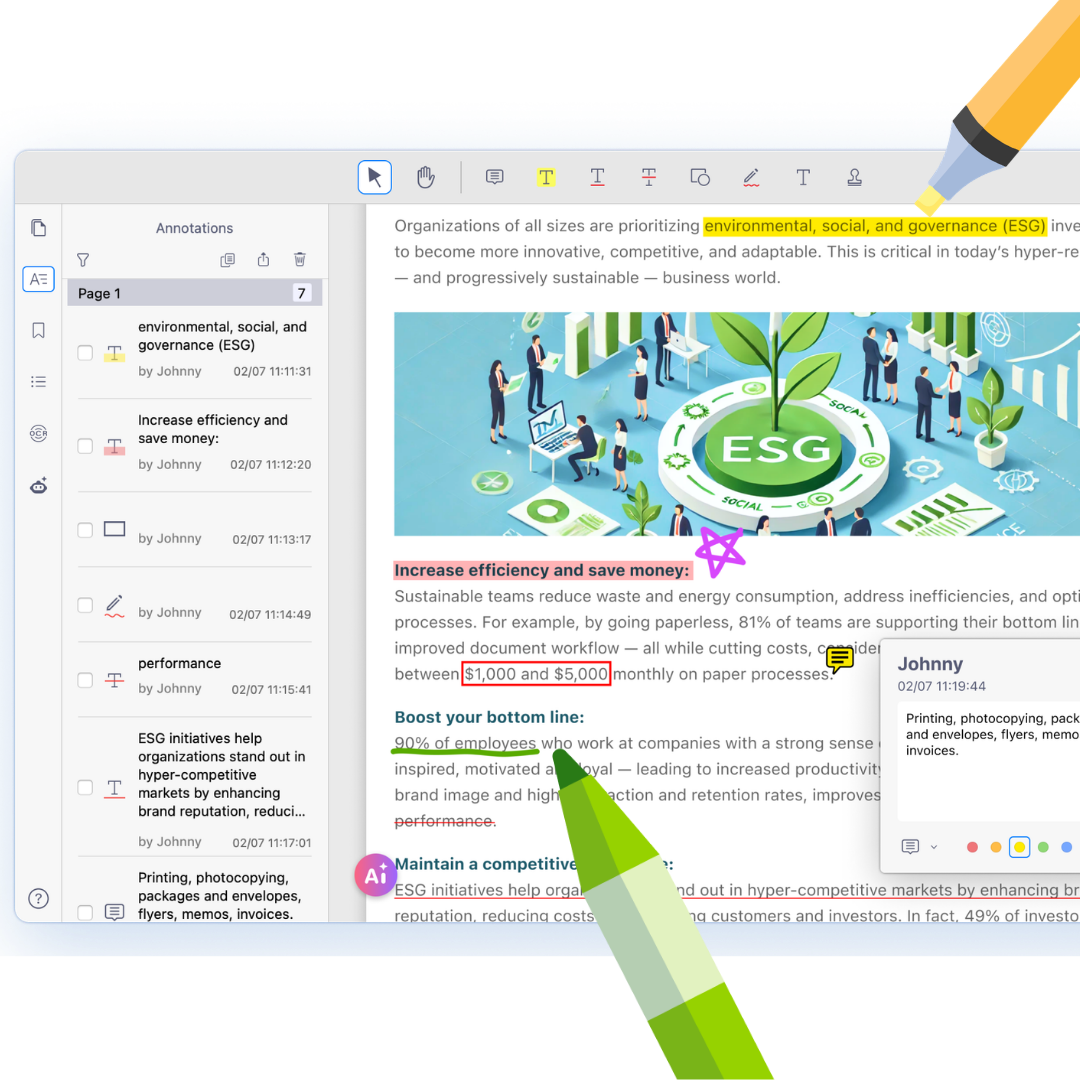
Learn Smarter and Capture What Matters
Turn every PDF into a smarter study session. Highlight key ideas, take handwritten notes, and bookmark important pages as you read, so your notes stay organized and easy to revisit.
Need extra help? Ask AI to summarize long readings, explain complex concepts, answer questions, and translate course materials—all without leaving your document.
Annotation
Bookmark
Highlight
AI Summary
AI Translate
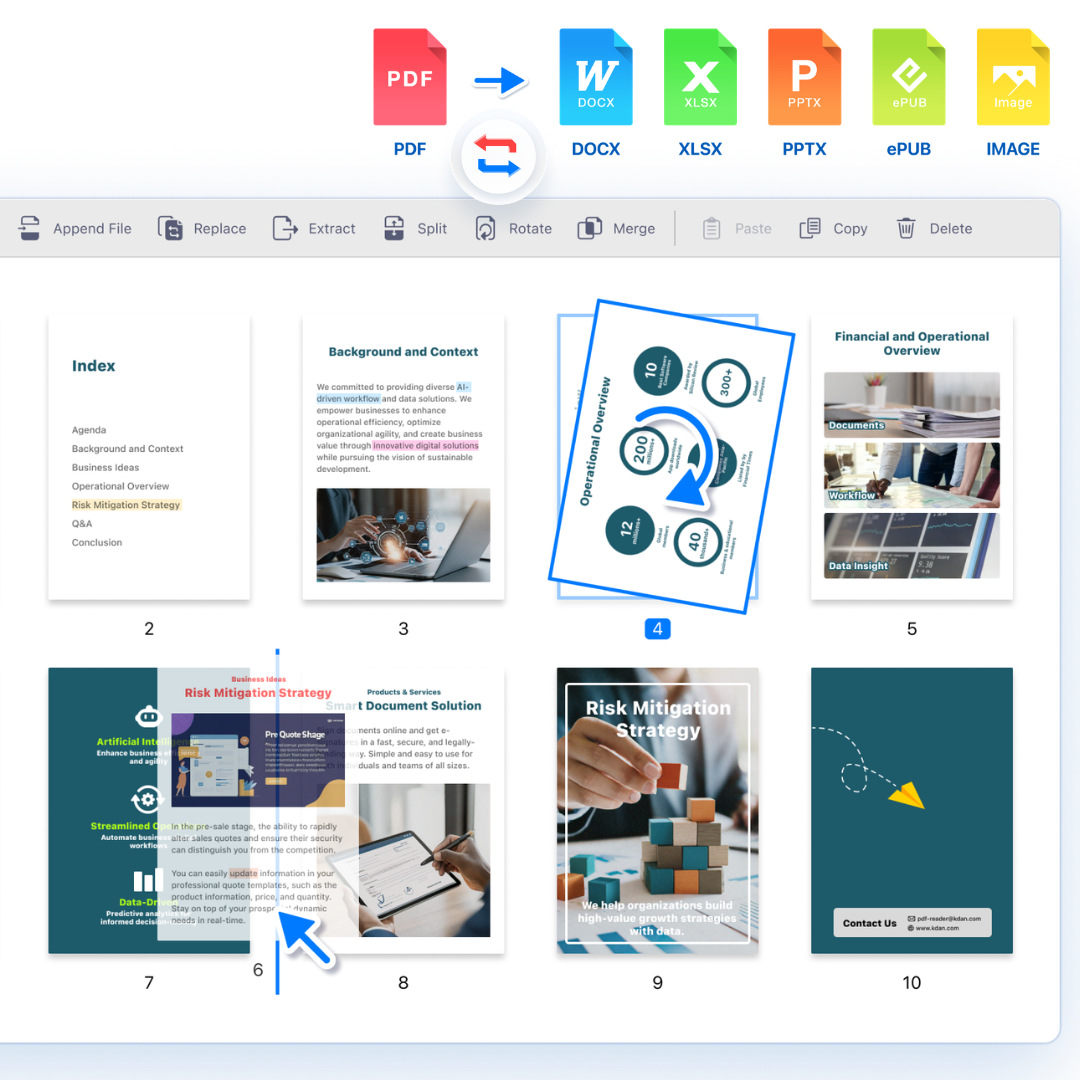
Stay Organized and Study Faster
Keep lecture notes, research papers, and assignments organized in one place. Merge files, rearrange pages, and convert PDFs into Word, PowerPoint, Excel, or images whenever you need a different format.
Turn scanned documents and images into searchable, editable PDFs with OCR. Quickly find the information you need and spend less time managing files, so you can focus on learning, teaching, and researching.
Merge PDF
Split PDF
Convert PDF
Compress
OCR
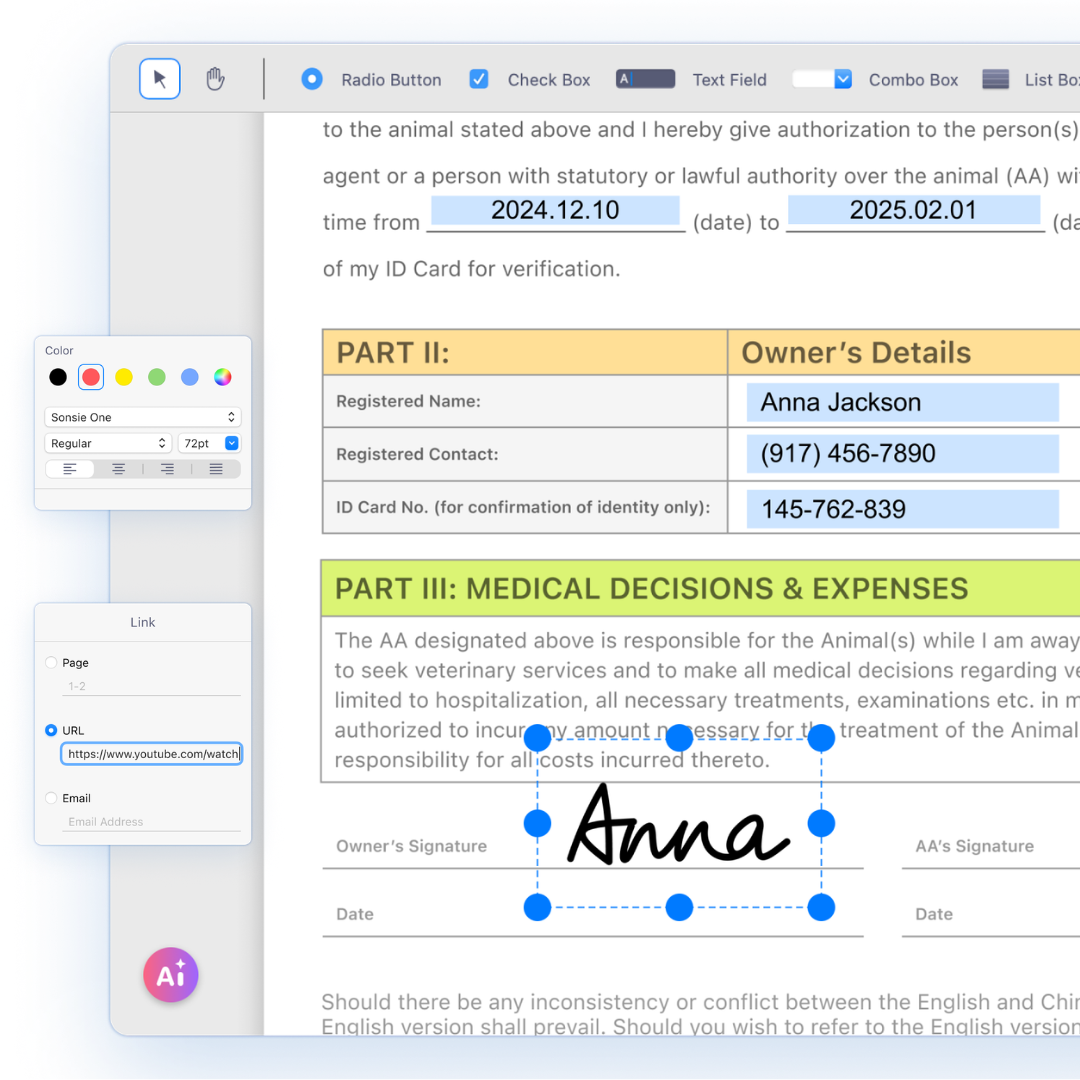
Finish and Submit with Confidence
Everything you need to prepare submission-ready documents. Edit PDFs, insert images and hyperlinks, add or delete pages, and make last-minute updates without starting over.
Complete forms, redact sensitive information, add eSignatures, and password-protect important files before you share them. From homework and applications to administrative paperwork, KDAN PDF helps you submit every document with confidence.
Edit PDF
Insert Image
Fill Forms
Lock PDF
Sign PDF
Redact
Back to School Special: Save Up to 40% Today!
⭐ Document 365 ⭐
Save US$10 on Powerful PDF Editing
59.99 / Year
49.99
/ YearEdit PDFs like a pro. Try risk-free with a 14-day money-back guarantee.
- Edit text, images, and annotations directly in PDFs
- Split, merge, and rearrange pages
- Convert PDFs to editable Office files
- OCR images and scanned documents into searchable text
- Protect files with password encryption
- Get 30 AI chatbot conversations every month
🏆 Document 365 AI+🏆
40% Off — Full PDF Editing + Powerful AI
99.99 / Year
59.99
/ YearMore than a PDF editor. Work smarter with AI, backed by a 14-day money-back guarantee.
- Get everything in Document 365, plus powerful AI features
- AI auto-redacts sensitive information
- Summarize, explain, and review PDFs with AI
- Translate PDF paragraphs (Windows only)
- Upload multiple PDFs and turn them into clean spreadsheets
- Get up to 40,000 AI conversations per month
Built for Students, Educators, and Researchers

Annotation
Directly edit and annotate text content on PDF documents with advanced editing features.

Document Security
Protect confidential school records with passwords, restrict access, and make documents view-only.

Text Extraction (OCR)
Recognize text from images and scanned documents. The OCR converter can turn them into text-searchable PDFs.

File Conversion
Convert PDF files to images, word, excel, powerpoint, and many other file types.

PDF Editor
Edit, modify, and replace any content in your PDFs without converting them back to their original format.

Compressison
Make PDF documents easier to share and save space on your computer by reducing large file sizes.
FAQ
Who is KDAN PDF for in education?

KDAN PDF offers a comprehensive toolkit for teachers, students, researchers, and administrative staff. Whether you're editing teaching materials, grading assignments, annotating academic papers, or converting research documents, it helps significantly enhance both teaching and learning efficiency.
Can I perform full-text search in academic documents with KDAN PDF?
Yes. As long as the PDF contains selectable text or has been processed with OCR, you can use the full-text search to quickly locate key sections or terms.
Can I sync teaching materials and notes across different devices?
With a Document 365 subscription, you can use cloud sync to seamlessly view and edit your documents across mobile, tablet, and desktop devices.
Does KDAN PDF support PDF annotation and handwriting features?
Yes. You can use tools like highlighters, sticky notes, and handwritten comments to mark key points, questions, or notes on teaching materials and research documents—ideal for personal organization or team collaboration.
Which devices and operating systems does KDAN PDF support?
KDAN PDF is compatible with Windows, macOS, iOS, and Android, allowing you to easily read and edit PDF documents across desktops, tablets, and smartphones. Whether you're in the classroom, at the office, or on the go, your teaching and learning workflow stays seamless.


Connect with KDAN
Follow us to receive all latest updates and promotions.