


Experience the Best Mobile PDF Solution with KDAN PDF for iOS
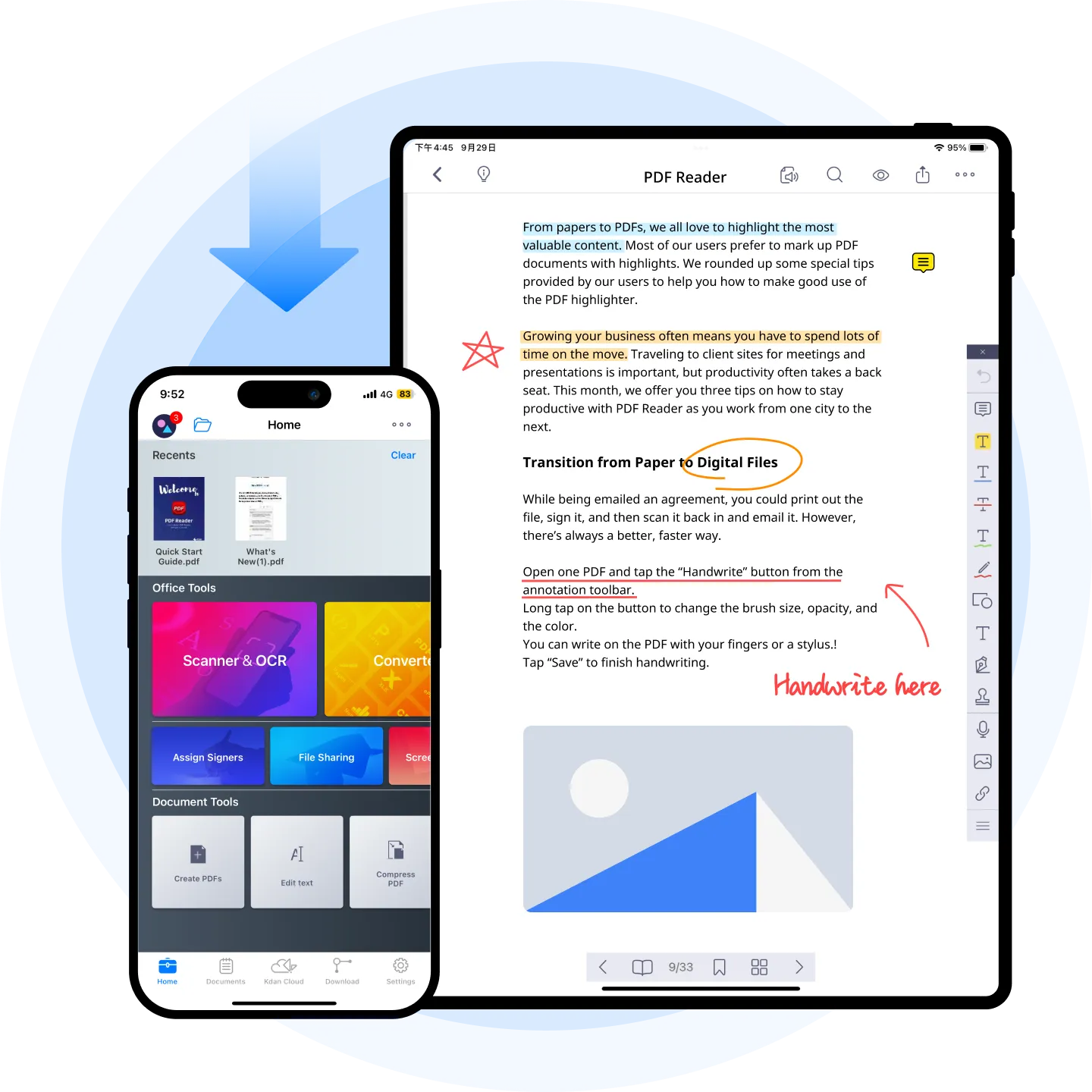
KDAN PDF transforms your PDF experience on iPhone and iPad, enabling you to read, annotate, edit, and sign PDF documents effortlessly. Enjoy unparalleled productivity and flexibility by managing your PDFs anytime, anywhere.
Awards and Recognition







Experience the Best Mobile PDF Solution with KDAN PDF for iOS
Handle PDFs on the Go
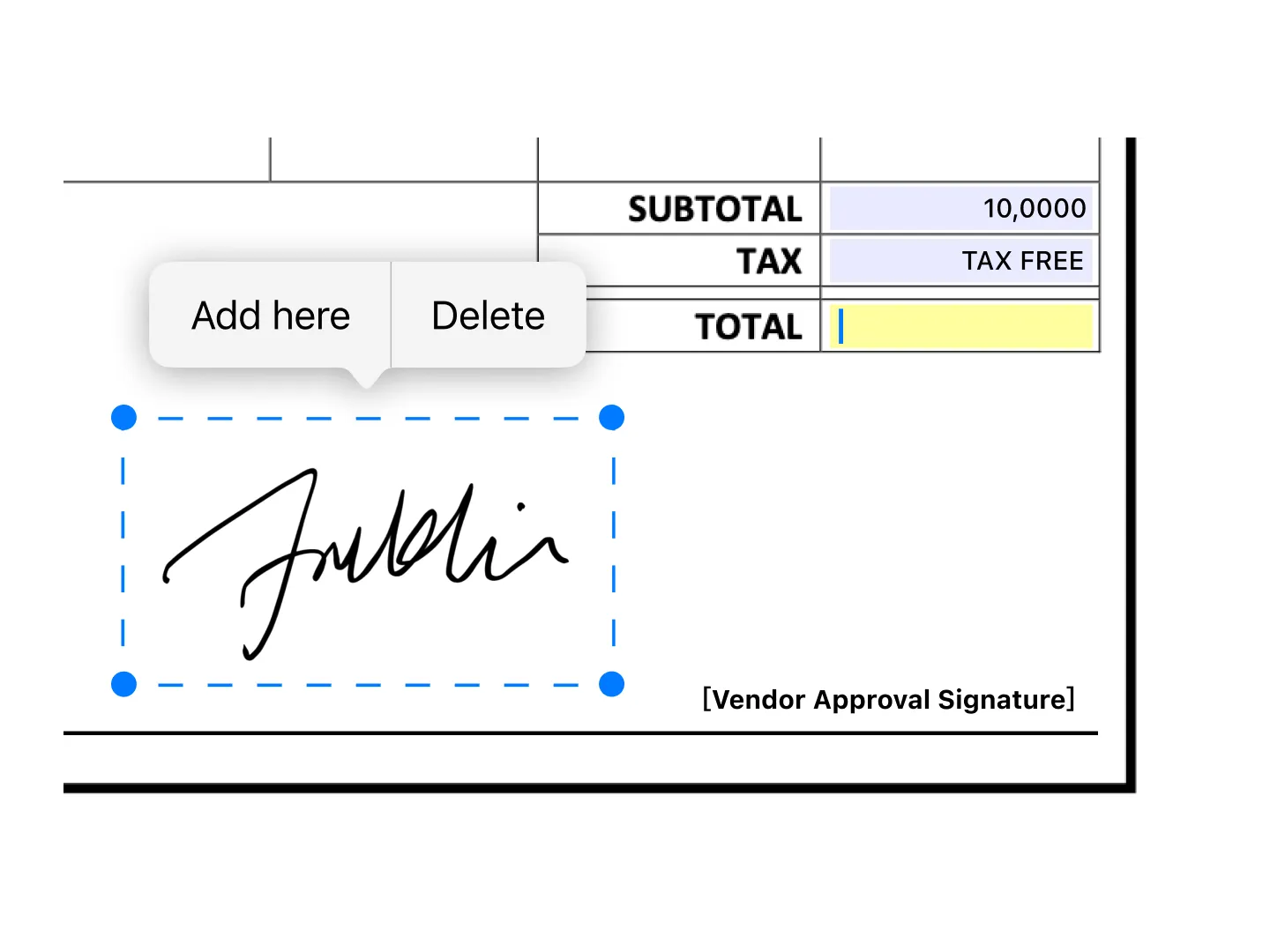
With KDAN PDF on your iPhone or iPad, you can easily fill out forms, edit text within PDFs, and sign contracts or agreements. Never be tied down by device or location.
Instant Text Extraction with Built-in Camera
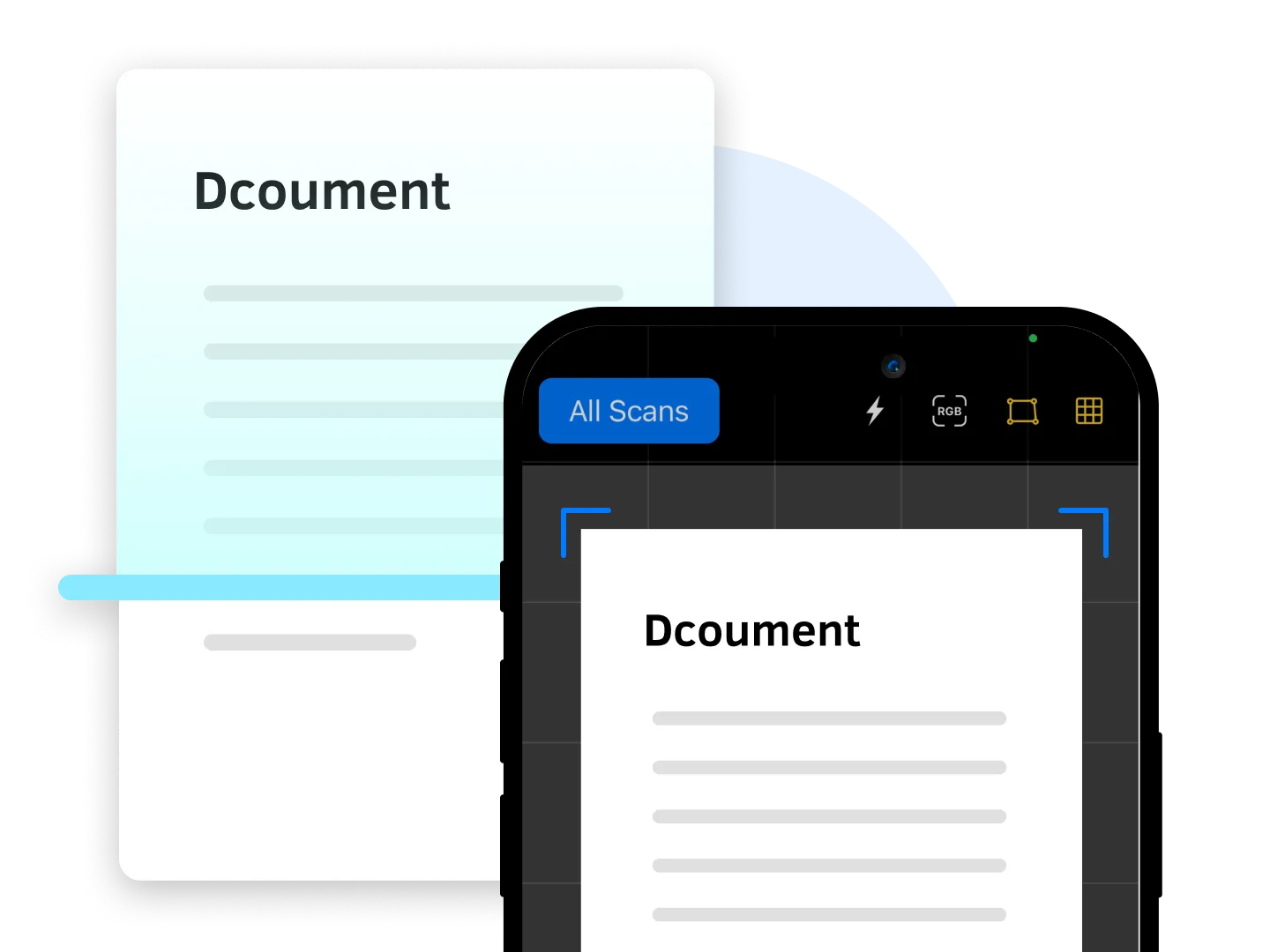
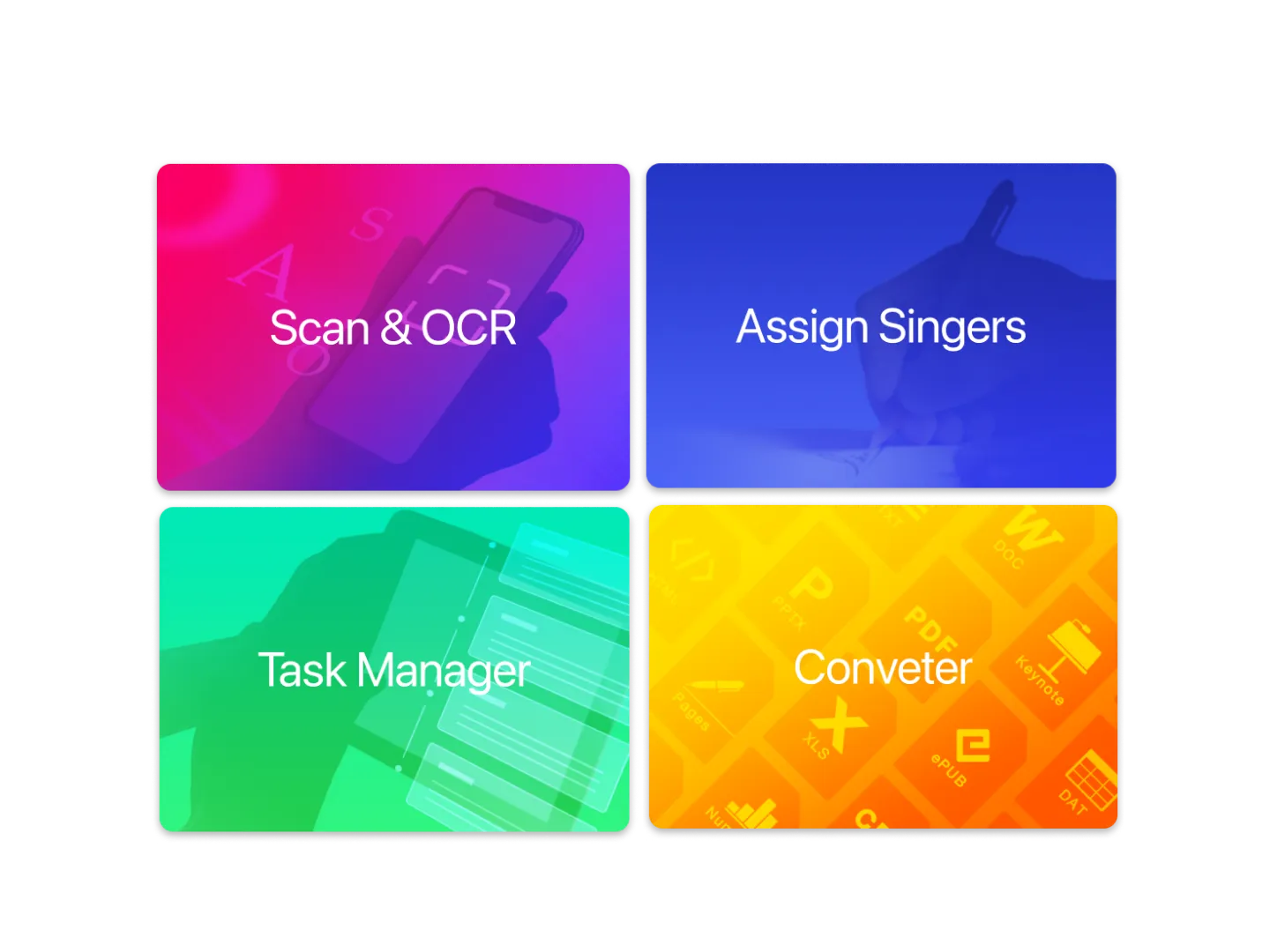
Transform your iPhone or iPad into a powerful document tool with our built-in camera and Optical Character Recognition (OCR) technology. Instantly extract text from images, converting them into searchable and editable PDFs. Digitizing and organizing business cards, receipts, and other paper documents is as simple as taking photos.
Cloud Integration
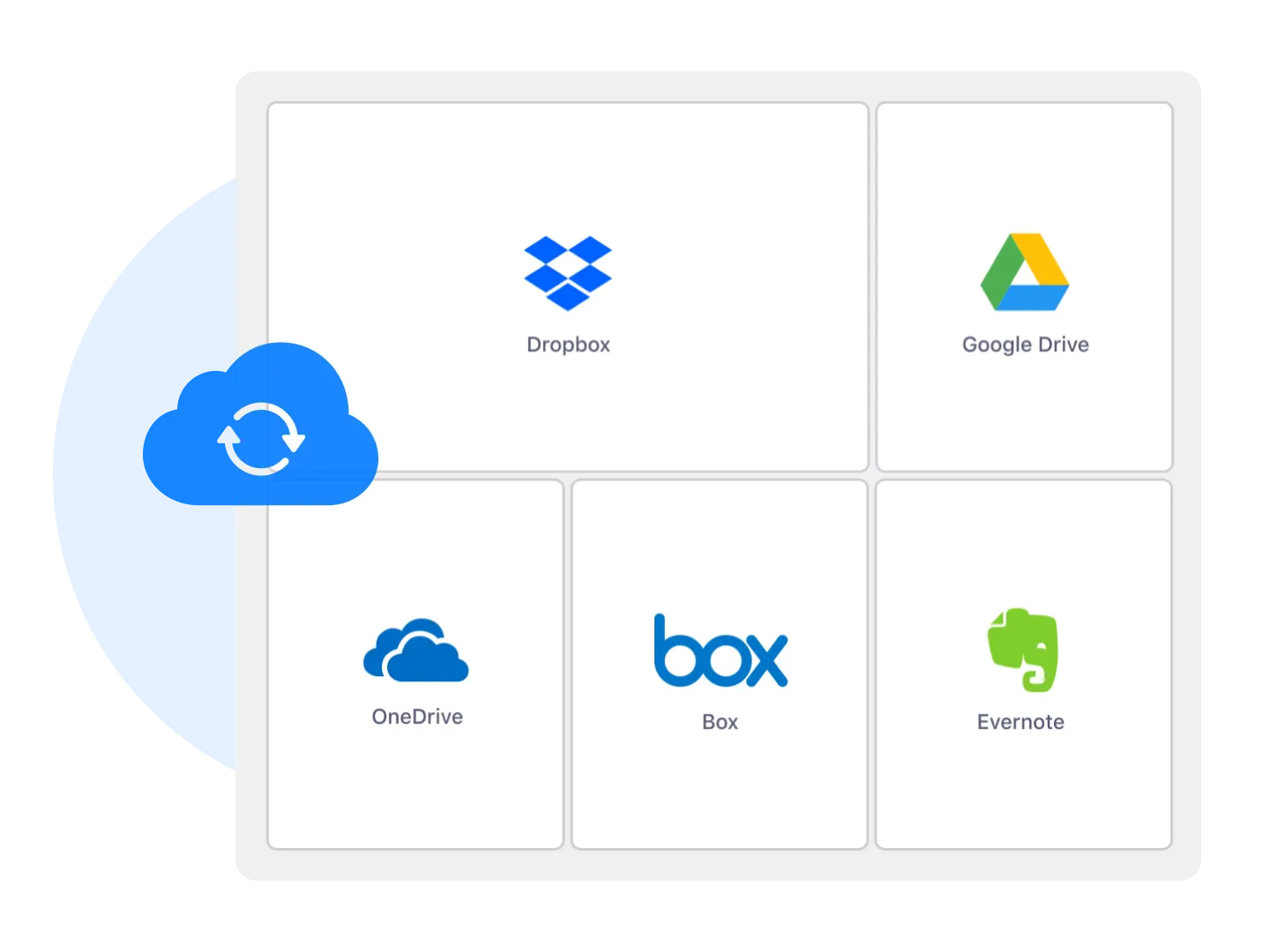
Easily sync your PDFs across devices and platforms with cloud integration. Whether you prefer iCloud, Google Drive, Dropbox, or OneDrive, KDAN PDF ensures that your documents are always accessible whenever you needed.
Designed for Mobile Devices
Boost your mobile productivity. KDAN PDF is optimized for smaller screens, providing quick access to critical features and easy navigation.
Other Features of KDAN PDF


Enhance Your Mobile PDF Experience with KDAN PDF for iOS

 iOS
iOS


FAQ
What are the differences between KDAN PDF and Document 365?

KDAN PDF is a freemium software. Users can view, manage, and edit PDFs with the app. More features are available in Document 365 subscription plan across KDAN PDF Android, iOS, Mac, and Windows.
Can I try the advanced features of KDAN PDF iOS for free?
Yes, you can enjoy a free trial of Document 365 through KDAN Creative Store or App Store. Please note that the free trial period varies depending on the program and platform you have applied for or purchased.
What languages does KDAN PDF support?
KDAN PDF supports most major languages, including English, Traditional Chinese, Simplified Chinese, Japanese, Italian, French, German, Spanish, Portuguese, Korean, and Russian.
The system requirement for installing KDAN PDF for iOS?
OS: iOS 10.0 or later.
Storage: 256.3 MB


Connect with KDAN
Follow us to receive all latest updates and promotions.