


 KDAN PDF for Windows
 Lifetime License for Windows
 LynxPDF for Enterprise
 ComPDF SDK
 Edit PDF
 Add Image
 Add Hyperlink
 Annotate PDF
 Fill in PDF
 Rotate & Crop
 Rearrange PDF
 Add Pages
 Delete Pages
 Bates Numbering
 Sign PDF
 Password Protect
 Unlock PDF
 Merge PDF
 Split PDF
 Convert PDF
 OCR PDF
 Compress PDF
 Slideshow Mode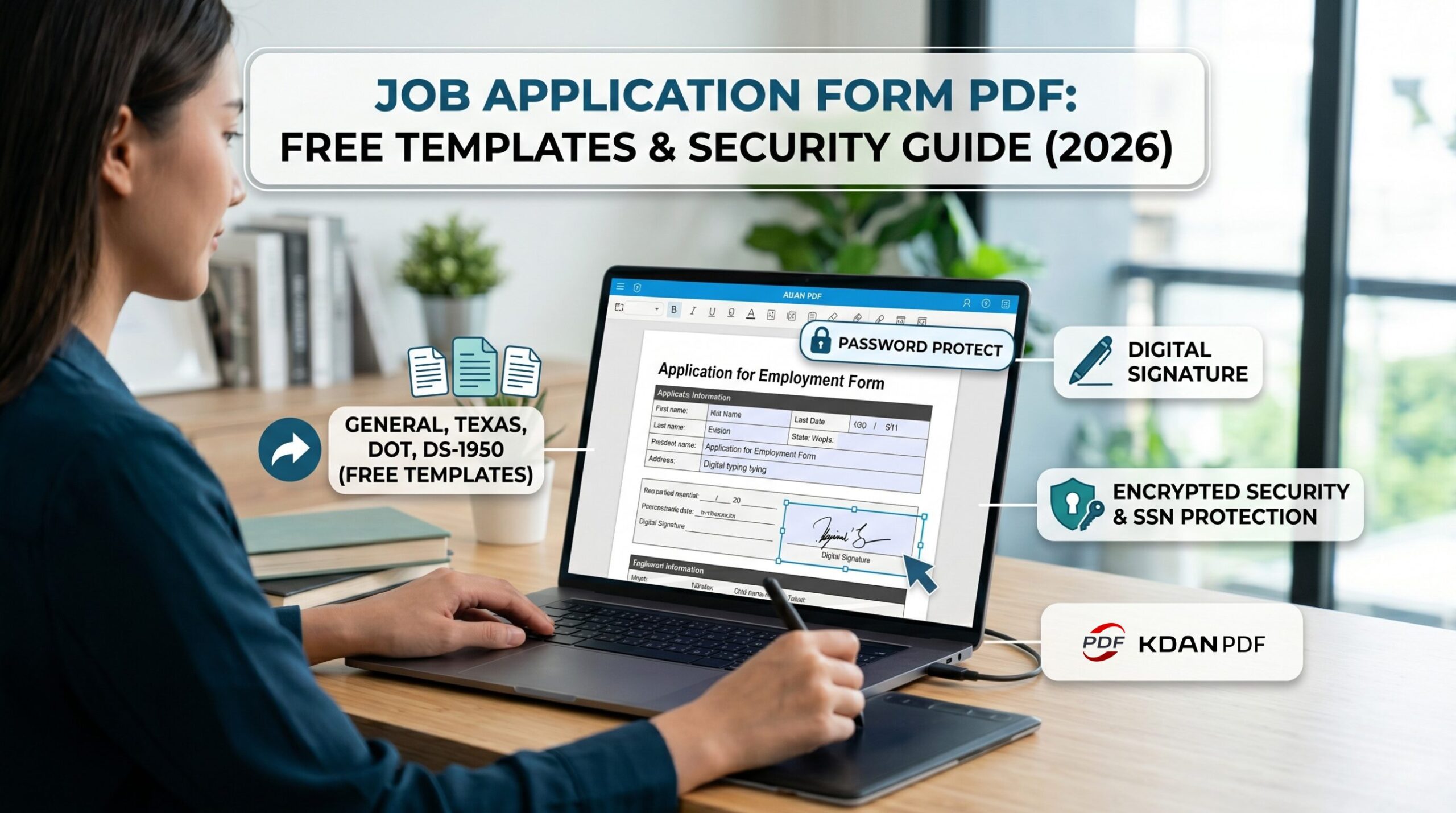
Application for Employment Form: Free PDF Templates & How to Fill Out in 2026
[💡Key Takeaways]
- What it is: An application for employment form is a legally standardized document used by employers to collect consistent background, education, and criminal history data from job candidates.
- Where to get it: You can download free, official templates below, including General Standard, State of Texas, and DOT (Department of Transportation) forms.
- How to fill it out safely: Never use handwritten white-out or unencrypted emails. Download the PDF, use KDAN PDF to type your answers flawlessly, apply an electronic signature, and password-protect the file before emailing it to secure your Social Security Number (SSN).
1. Introduction: Why the Employment Application Still Matters in 2026
Whether you are searching for a job in the U.S. or are a small business owner preparing to hire new employees, you will inevitably encounter the “Application for Employment Form.”
Many people ask: “I’ve already submitted a beautifully crafted resume and cover letter, why does HR insist I fill out this lengthy, rigidly formatted PDF?” In reality, the company isn’t trying to make things difficult for you. In today’s market, this form is tied to extremely strict background checks and federal regulations. A single typo, illegible handwriting that the Applicant Tracking System (ATS) cannot read, or sending a form containing your Social Security Number (SSN) via an unencrypted email can cost you an interview opportunity—or worse, expose you to severe data breaches.
In this guide, we have compiled the most commonly used official job application PDF templates for both employers and job seekers. We will also show you how to safely manage these documents using KDAN PDF.
2. What is an Application for Employment Form (And Why Not Just a Resume)?
To understand the critical importance of this form, we must first distinguish it from a resume:
- A resume is your “marketing tool”: A resume is entirely formatted by the job seeker. You can highlight your strengths, magnify your achievements, and conveniently omit employment gaps or short-term stints that don’t serve your narrative.
- An employment application is a “legally binding document”: The Application for Employment is a standardized legal document. It forces all candidates to answer the exact same questions, ensuring the employer complies with EEOC (Equal Employment Opportunity Commission) regulations and does not discriminate based on race, gender, or age. More importantly, the bottom of the form always includes an Authorization statement. Once signed, the employer can legally conduct criminal and credit background checks on you. If you lie on this form, the employer has the legal right to terminate your employment at any time.
3. Download Free Job Application Form PDFs (Official & Standard Templates)
We have organized four of the most common official and standard job application forms used across the U.S. Employers can download these templates directly for their hiring process, while job seekers can download them to familiarize themselves with the required fields.
[General Business] Standard Application for Employment
This is a standard, universal version suitable for most private small-to-medium-sized businesses, the food service industry, and retail. It includes the most essential personal data, educational background, shift availability, and a requirement to provide three professional references (unrelated to you).
- Best for: Service industry, administrative staff, and general office roles.
- 📥 Download Standard Application Form PDF
- 👉 Open & Fill with KDAN PDF
[State Government] Texas Application for Employment
Compared to general businesses, civil service job application forms for U.S. state governments are exceptionally rigorous. Taking the State of Texas as an example, this official form not only requires a detailed past salary history but also features legally mandated checkboxes for “Veteran status” and “Former Foster Youth.”
- Best for: Job seekers applying to Texas state government agencies, public schools, or state medical institutions.
- 👉 Open & Fill with KDAN PDF
[Commercial Logistics] DOT Driver Employment Application
If you are applying for a truck driving, logistics, or freight position that requires a Commercial Driver’s License (CDL), a standard application form is absolutely insufficient. Under the Federal Motor Carrier Safety Administration (FMCSA) 49 CFR 391.21 regulations, employers must use a specific DOT form. Job seekers are forced to provide a complete 3-year residency history, a 10-year commercial driving employment record, and extremely detailed accident records and traffic convictions.
- Best for: CDL commercial drivers, long-haul freight drivers, and logistics employers.
- 👉 Open & Fill with KDAN PDF
[Federal Agency] Department of State Form DS-1950
This is a specific job application form issued by the U.S. Department of State. Federal-level forms like this place a heavy emphasis on the applicant’s Security Clearance, Foreign Language Proficiency, and whether any relatives are currently employed by the agency.
- Best for: Candidates applying for the U.S. Department of State or specific federal diplomatic and security-related positions.
- 📥 Download Form DS-1950 PDF
- 👉 Open & Fill with KDAN PDF
4. For Employers: What You MUST Include (and Avoid) on Your Form
If you are a small business owner or HR professional using the Standard template above to create your company’s job application, please pay close attention to the red lines of U.S. labor laws when editing fields via KDAN PDF:
✅ What to Include:
- Equal Opportunity Employer Statement: You must declare at the top or bottom of the form that your company does not discriminate against applicants based on race, gender, religion, or disability.
- “At-Will” Employment Clause: Clearly state that the employment is “At-Will,” meaning both the employer and the employee can terminate the employment relationship at any time.
- Signature & Authorization: There must be a signature block authorizing you to conduct background checks and contact previous employers.
❌ What to AVOID (The Red Flags): According to EEOC guidelines, unless there is a Bona Fide Occupational Qualification (BFOQ), your form should absolutely not feature the following questions, as they can easily trigger employment discrimination lawsuits:
- Your date of birth? (May involve age discrimination)
- Your marital status or if you have children?
- Your health status or specific disabilities? (You can only ask: “Are you able to perform the essential functions of this job with or without reasonable accommodation?”)
5. For Applicants: 3 Critical Rules When Filling Out a Job Application
As a job seeker, when you receive a PDF application form from an employer, remember: this form is your first impression to HR. According to recruiting experts, in most cases, applicants are automatically filtered out by the system for the following three common mistakes. Before you start filling it out, be sure to follow these three golden rules:
- Rule 1: Never leave blank spaces.
If a certain field doesn’t apply to you (e.g., you don’t have a middle name or a specific certification), write “N/A” (Not Applicable). Leaving it blank makes HR wonder if you were careless or intentionally hiding information. - Rule 2: Don’t rely on messy handwriting.
Modern HR departments predominantly use ATS (Applicant Tracking Systems) to scan and file documents. If you print the form, cross things out with a pen, and scan it back, the system will likely fail to read your phone number or email, causing you to miss out on interview invitations. - Rule 3: Protect your Social Security Number.
Job applications usually require you to fill in your SSN or driver’s license number for background checks. This is a massive cybersecurity risk! Absolutely never send a PDF containing your SSN as an unprotected email attachment; you must password-protect the file before transmitting it.
6. Step-by-Step: How to Fill, Sign, and Secure Your Application with KDAN PDF
To solve the pain points above, we strongly advise job seekers to abandon the traditional “print ➔ handwrite ➔ scan” workflow. You can download KDAN PDF (available on Windows, Mac, iOS, and Android) to build a flawless, professional job application right on your computer.
Step 1: Type Flawlessly (Fill in PDF & OCR)
Download the official form and open it with KDAN PDF. Using the Fill in PDF tool, you can type directly into the form fields, and the text will auto-size to align perfectly with the boxes.
- What if you receive a scanned image? If the employer sends a flat JPG image or an unclickable old PDF, you can use KDAN PDF’s OCR (Optical Character Recognition) feature to instantly convert the image into a searchable, editable text PDF. Then, simply use the Add Text function to complete the form neatly.
Step 2: Sign Professionally (Sign PDF)
The end of the form usually requires you to sign an “Authorization and Certification.” Instead of printing it out to sign by hand, use KDAN PDF’s Sign PDF tool. Whether you handwrite it via your trackpad or import a signature image, you can apply a crisp and neat digital signature to your application, presenting a highly professional appearance.
Step 3: Encrypt Your Sensitive Data (Password Protect)
This is the most crucial step! Once the form is filled out, navigate to the “Secure & Compose” menu and clickPassword Protect. Apply enterprise-grade password encryption to this PDF containing your SSN and past salary records. You can then safely email the encrypted PDF to HR and provide them with the password in a separate email or phone call. This not only protects your personal data but also demonstrates your high level of cybersecurity awareness to your future employer.
7. Why You Should Avoid “Free Online PDF Editors” for Job Applications
When you Google “How to fill PDF form,” you might come across numerous no-install, web-based PDF editors. Please do not upload your job application to these sites!
Your employment application contains the most highly classified information of your life (Social Security Number, date of birth, current address, driver’s license number). Uploading this data to unknown servers via free web tools makes you an easy target for hackers and Identity Theft.
This is exactly why professionals choose KDAN PDF. KDAN is a powerful on-premise software; you can process sensitive data safely on your own Windows PC or Mac without being forced to upload your files to the cloud.
Furthermore, unlike Adobe Acrobat, which forces users to pay expensive monthly fees, KDAN PDF offers a Permanent License. You only pay once to own this powerful PDF and security suite for a lifetime.
8. FAQ: Common Employment Application Questions
Q: Can I just write “See Resume” on the application?
A: Absolutely not. As mentioned earlier, a job application is a legally binding document. Employers need your physical (or digital) signature to guarantee that the information you provided on this specific form is entirely true. Writing “See Resume” will usually result in your application being tossed straight into the trash.
Q: Do I have to provide my SSN on a job application?
A: In most cases, yes, because employers need your SSN to conduct background or credit checks. If you are concerned about this, you can initially fill in all zeros (000-00-0000) and provide it in person during the interview; or, following our tutorial above, use KDAN PDF to password-protect the file before emailing it.
9. Conclusion: Submit Your Application with Confidence
A perfectly formatted, clearly legible, and securely encrypted job application form will make you stand out among countless candidates. Don’t let amateur document processing errors or the risk of data breaches hinder your career advancement.
Make your PDF work for you —
Secure Your Sensitive Personal Data for 2026.



Connect with KDAN
Follow us to receive all latest updates and promotions.