


 KDAN PDF for Windows
 Lifetime License for Windows
 LynxPDF for Enterprise
 ComPDF SDK
 Edit PDF
 Add Image
 Add Hyperlink
 Annotate PDF
 Fill in PDF
 Rotate & Crop
 Rearrange PDF
 Add Pages
 Delete Pages
 Bates Numbering
 Sign PDF
 Password Protect
 Unlock PDF
 Merge PDF
 Split PDF
 Convert PDF
 OCR PDF
 Compress PDF
 Slideshow Mode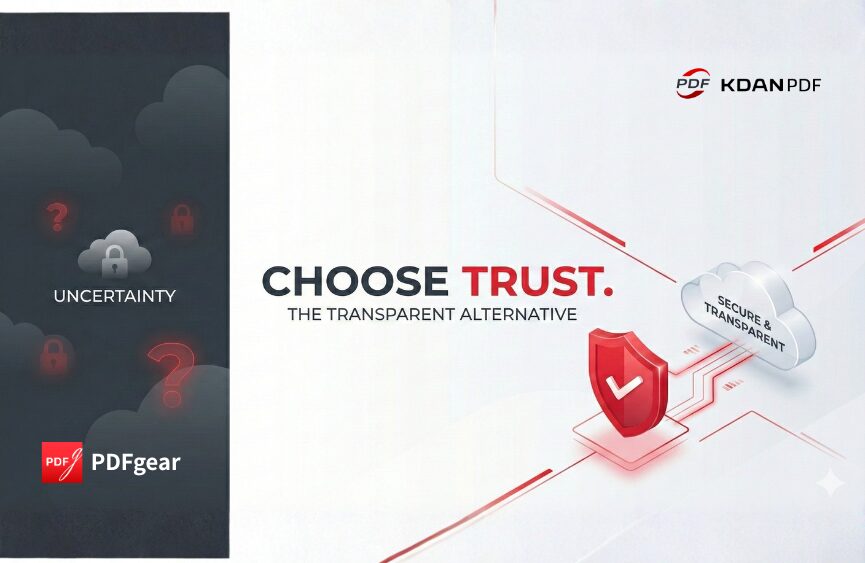
KDAN PDF vs. PDFgear: Which PDF Editor Wins in 2026?
As digital workflows evolve in 2026, having a reliable and feature-rich PDF editor is essential. However, the market is currently flooded with “free” tools that often leave users feeling uneasy about data privacy and hidden costs. For many Windows users, the choice often feels like a gamble: stick with the expensive Adobe Acrobat or risk using smaller, opaque brands.
Among the alternatives, KDAN PDF and PDFgear are two prominent names. While PDFgear targets users looking for a cost-free solution, KDAN PDF positions itself as the professional, transparent, and trustworthy alternative to Acrobat. This comparison explores why KDAN’s focus on brand integrity and user experience makes it the superior choice for those who value security and long-term reliability.
Detailed Feature Breakdown: Professionalism vs. Uncertainty
When choosing a PDF editor, it’s not just about what the buttons do, but who stands behind the software. Many “free” tools come with risks—misleading permissions, opaque data flows, or sudden paywalls.
Editing Capabilities
KDAN PDF: The Reliable Professional
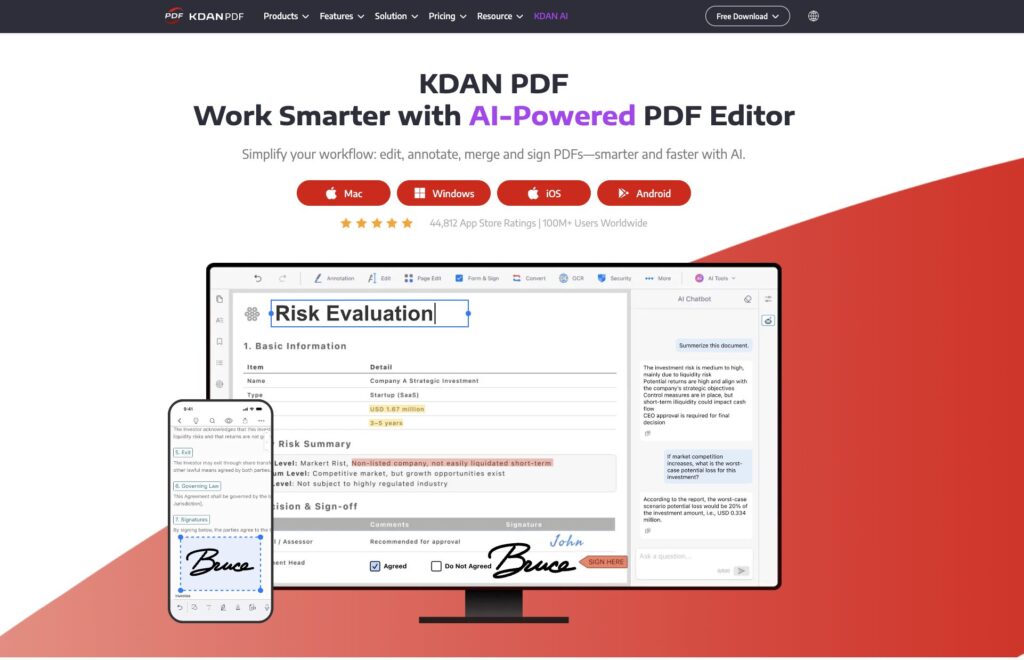
- Transparent Performance: Professional-grade text and image editing without “nagware” or intrusive pop-ups.
- Precision Tools: Built-in multi-language OCR and AI-powered rewriting designed for high-stakes business documents.
- Standard-Setting Compatibility: Supports PDF/A and multiple formats, ensuring your document’s integrity matches industry standards like Adobe Acrobat.
PDFgear: Basic but Opaque
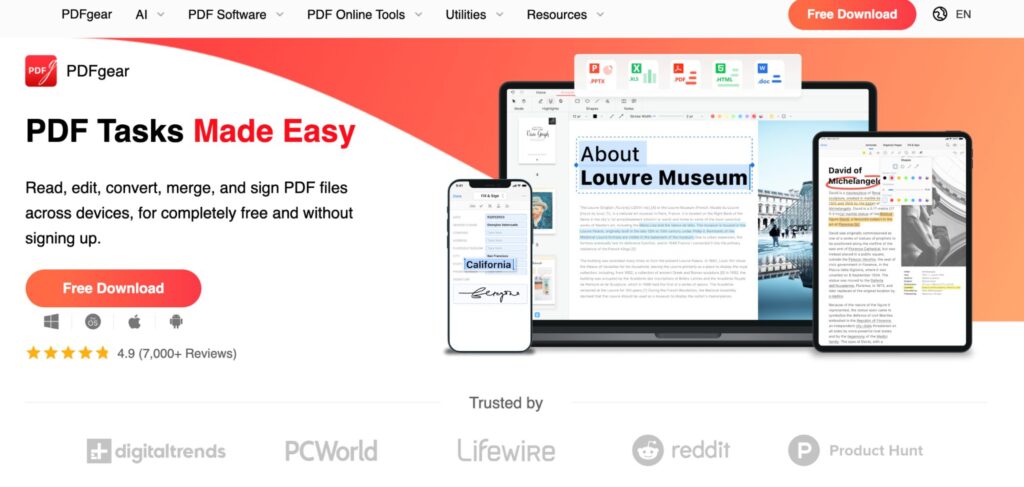
- Provides basic editing and AI assistance, but lacks the depth needed for complex layouts.
- Users often express concerns about the “black box” nature of smaller brands—questioning how their data is handled during OCR or AI processing.
Security & Brand Transparency (The KDAN Difference)
In an era where “free” often means “you are the product,” KDAN PDF prioritizes user trust:
- Verified Security: Unlike many mid-to-small brands with questionable data permissions, KDAN offers full transparency regarding data flow. You’ll never have to ask, “Is this tool spying on my documents?”
- Dedicated Support: While free tools like PDFgear often leave users stranded when technical issues arise, KDAN ensures you can always “find a human” to help, increasing user peace of mind.
- No “Free” Traps: KDAN is clear about its value from the start. You won’t face the frustration of downloading a “free” tool only to find your task blocked by a paywall at the final step.
Batch Processing & Workflow Efficiency
KDAN PDF
- Task-Oriented Efficiency: Supports high-volume batch conversion, merging, and watermarking.
- Uninterrupted Experience: Unlike tools that bombard users with “upgrade now” alerts (Nagware), KDAN provides a clean, professional environment that lets you focus on work, not closing pop-ups.
PDFgear
- Handles single-file operations well but lacks robust batch tools for enterprise workloads.
- The lack of a clear business model often leads to uncertainty about how long the service will remain truly “free” or functional.
Pricing & Value: Honesty Over “Free” Bait
| Feature | KDAN PDF | PDFgear |
| Pricing Model | Transparent Subscription or Lifetime License | “Free” (Current) |
| Hidden Costs | None. Clear upfront communication. | Uncertain long-term roadmap; potential for future feature limitations or service shifts. |
| User Experience | Smooth, professional, and ad-free. | Risks of Nagware/Pop-up bombardment. |
| Brand Trust | Established, transparent developer team. | Opaque background; potential privacy risks. |
KDAN PDF
Offers a one-time lifetime license (~US $79.99) or an annual subscription. This “honest pricing” ensures you get a tool that is regularly updated, secure, and supported by a real team. It is the go-to choice for users who find Acrobat too pricey but find “free” tools too risky.
PDFgear
Currently free to use, but ‘free’ software can sometimes come with a trade-off in transparency. Beyond simple task limitations, the lack of a disclosed security framework and advanced permission settings may leave professional users questioning the long-term privacy and integrity of their processed data.
Best Use Cases Comparison
| Use Case | KDAN PDF | PDFgear |
| Corporate & Legal | Superior. Enterprise-grade security and transparent data handling. | Risky. Unclear privacy protocols for sensitive data. |
| Efficiency Seekers | High. Batch processing and AI tools without “nagging” interruptions. | Moderate. Suitable for one-off, non-sensitive tasks. |
| Education & Teams | Professional collaboration with reliable cloud syncing. | Basic review tools; lacks centralized management. |
Conclusion: Trust is the Ultimate Feature
Both tools can open a PDF, but only one offers the peace of mind required for modern professional life. PDFgear may appeal to the casual user on a zero-dollar budget, but the lack of brand transparency and the risk of “nagware” or data insecurity are significant drawbacks.
KDAN PDF stands out as the most trustworthy alternative to Adobe Acrobat. By eliminating the “bait-and-switch” tactics of free software and providing a transparent, secure, and highly efficient editing suite, KDAN ensures that your workflow remains professional and your data remains your own.
If you are looking for a PDF editor that respects your time and your privacy, KDAN PDF is the clear winner for 2026.
Download KDAN PDF
Start working smarter with secure, professional-grade document tools.



Connect with KDAN
Follow us to receive all latest updates and promotions.