


 KDAN PDF for Windows
 Lifetime License for Windows
 LynxPDF for Enterprise
 ComPDF SDK
 Edit PDF
 Add Image
 Add Hyperlink
 Annotate PDF
 Fill in PDF
 Rotate & Crop
 Rearrange PDF
 Add Pages
 Delete Pages
 Bates Numbering
 Sign PDF
 Password Protect
 Unlock PDF
 Merge PDF
 Split PDF
 Convert PDF
 OCR PDF
 Compress PDF
 Slideshow Mode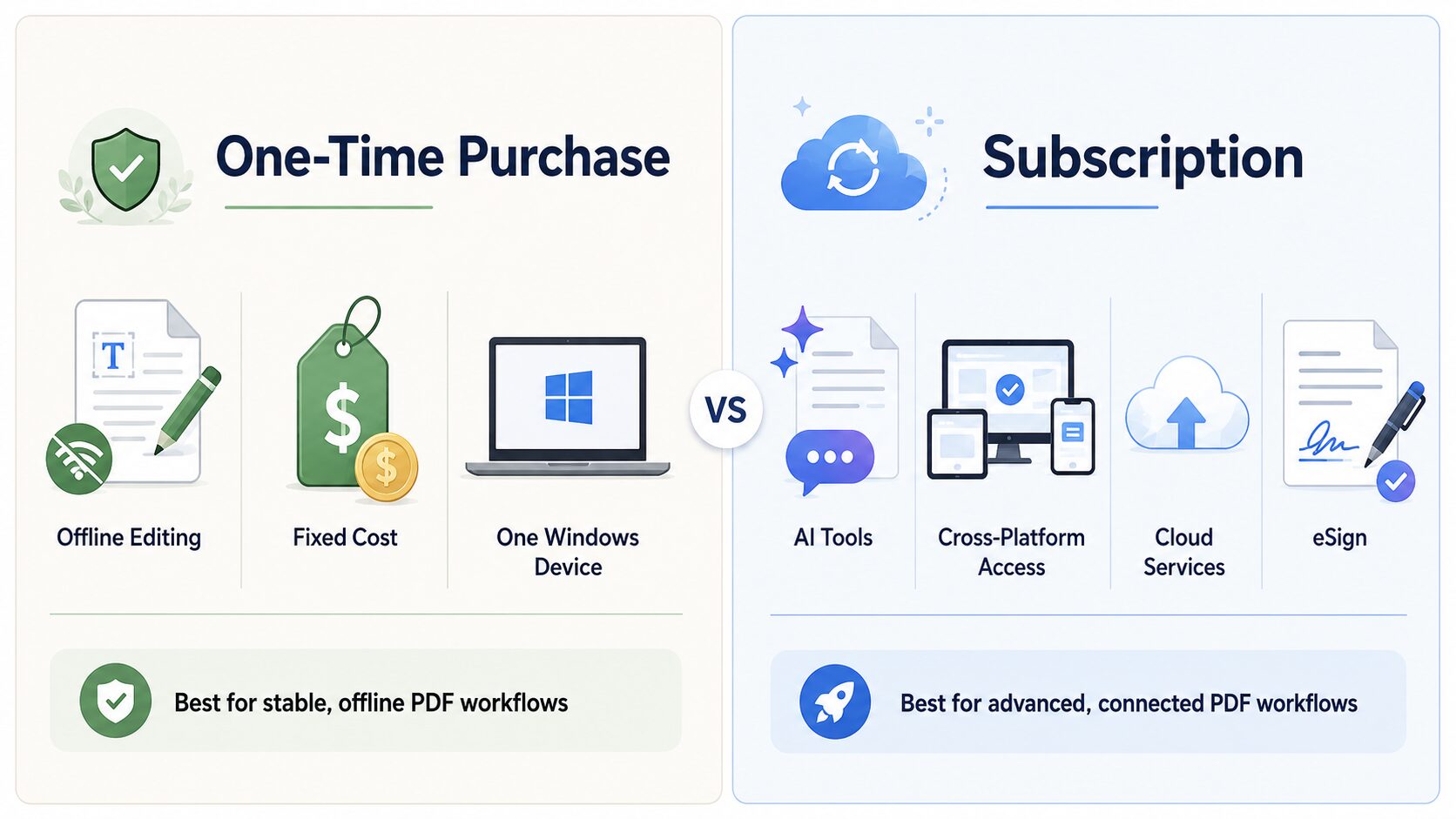
Last updated: May 2026 | Reviewed by KDAN PDF product team Quick Answer: A one-time purchase PDF editor for Microsoft is best for users who
Need to send a proposal fast? Learn how to create a professional PDF bundle by merging, editing, and securing your files. This guide shows you a simple way to deliver polished documents that leave a strong impression on clients.
Master your W-9 form or W9 paperwork with these 5 simple tips! This step-by-step guide makes it easy to stay accurate and submit with confidence
Discover five practical solutions to fix PDF opening issues: update editors, check file integrity, use repair tools, unlock encrypted files, and convert formats.

Imagine this: you’re overwhelmed with research papers for a project deadline. Or, you’re sifting through a lengthy legal contract before a big meeting. In both

Navigating through extensive PDF documents often feels like searching for a needle in a haystack. It’s frustrating that the default search function often fails to

Imagine scrolling through your social media feed and seeing something that stops you dead in your tracks. Not a hilarious meme or a picture-perfect vacation,

Adobe Acrobat has long been the go-to PDF editor for professionals. However, rising costs and a shift to subscription-only pricing have many users seeking alternatives.

Cyberattacks are a growing concern for businesses of all sizes. Based on a Forbes report, there were 2,365 cyberattacks affecting 343,338,964 victims in 2023 —

Discover how electronic file management can revolutionize HR by eliminating paperwork and improving efficiency. Learn key implementation tips for a modern workplace.
View More



Connect with KDAN
Follow us to receive all latest updates and promotions.