


 KDAN PDF for Windows
 Lifetime License for Windows
 LynxPDF for Enterprise
 ComPDF SDK
 Edit PDF
 Add Image
 Add Hyperlink
 Annotate PDF
 Fill in PDF
 Rotate & Crop
 Rearrange PDF
 Add Pages
 Delete Pages
 Bates Numbering
 Sign PDF
 Password Protect
 Unlock PDF
 Merge PDF
 Split PDF
 Convert PDF
 OCR PDF
 Compress PDF
 Slideshow Mode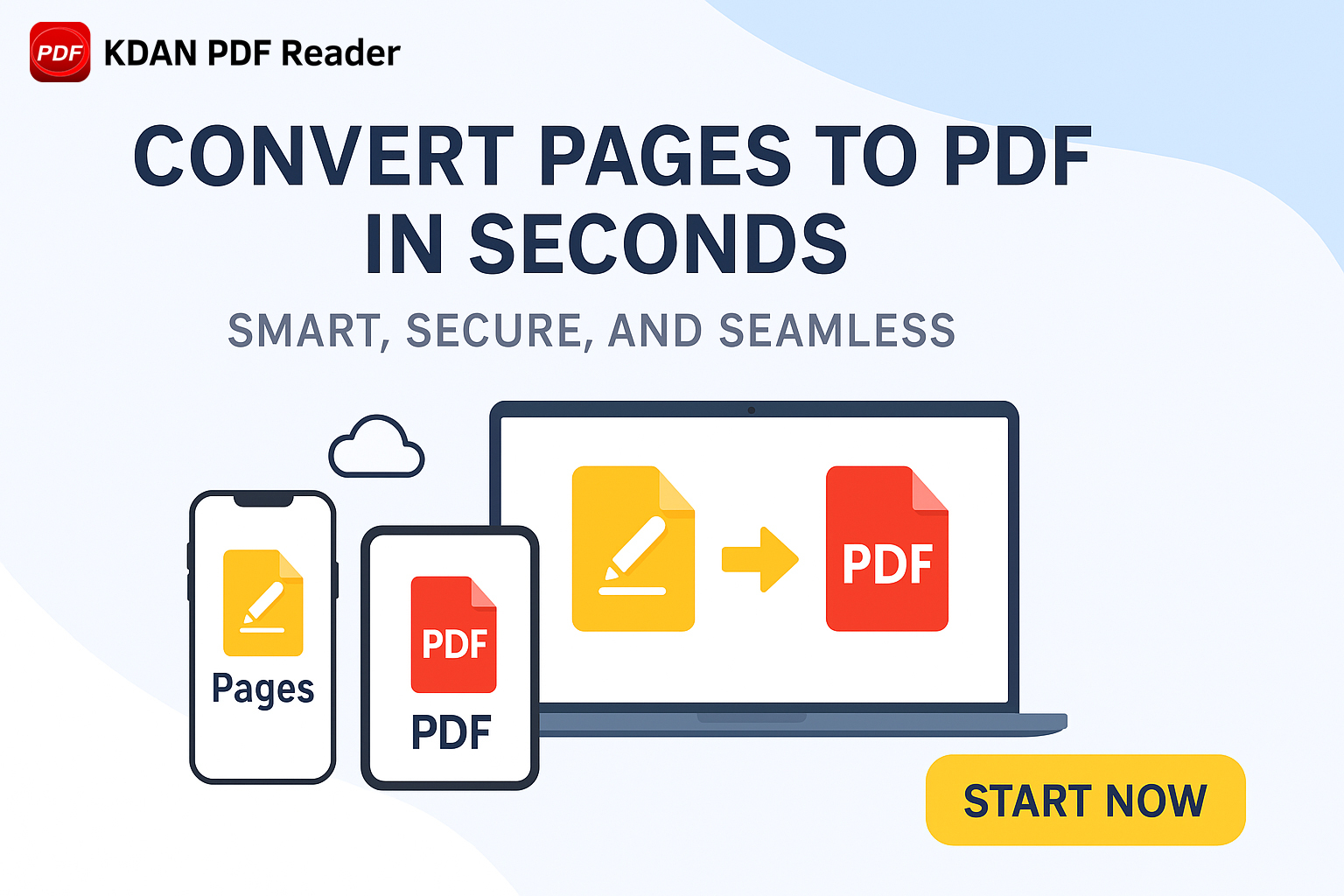
[Step-by-Step Guide] showing: How to convert Pages to PDF files using your Mac? Learn how to convert a pages document to PDF in 3 minutes.
Looking for the best PDF editor for your new MacBook Air? Discover why KDAN PDF Reader is the top choice for Mac users—offering seamless text editing, powerful OCR, fast performance, and an intuitive interface. Read on to find the perfect PDF solution for your workflow!
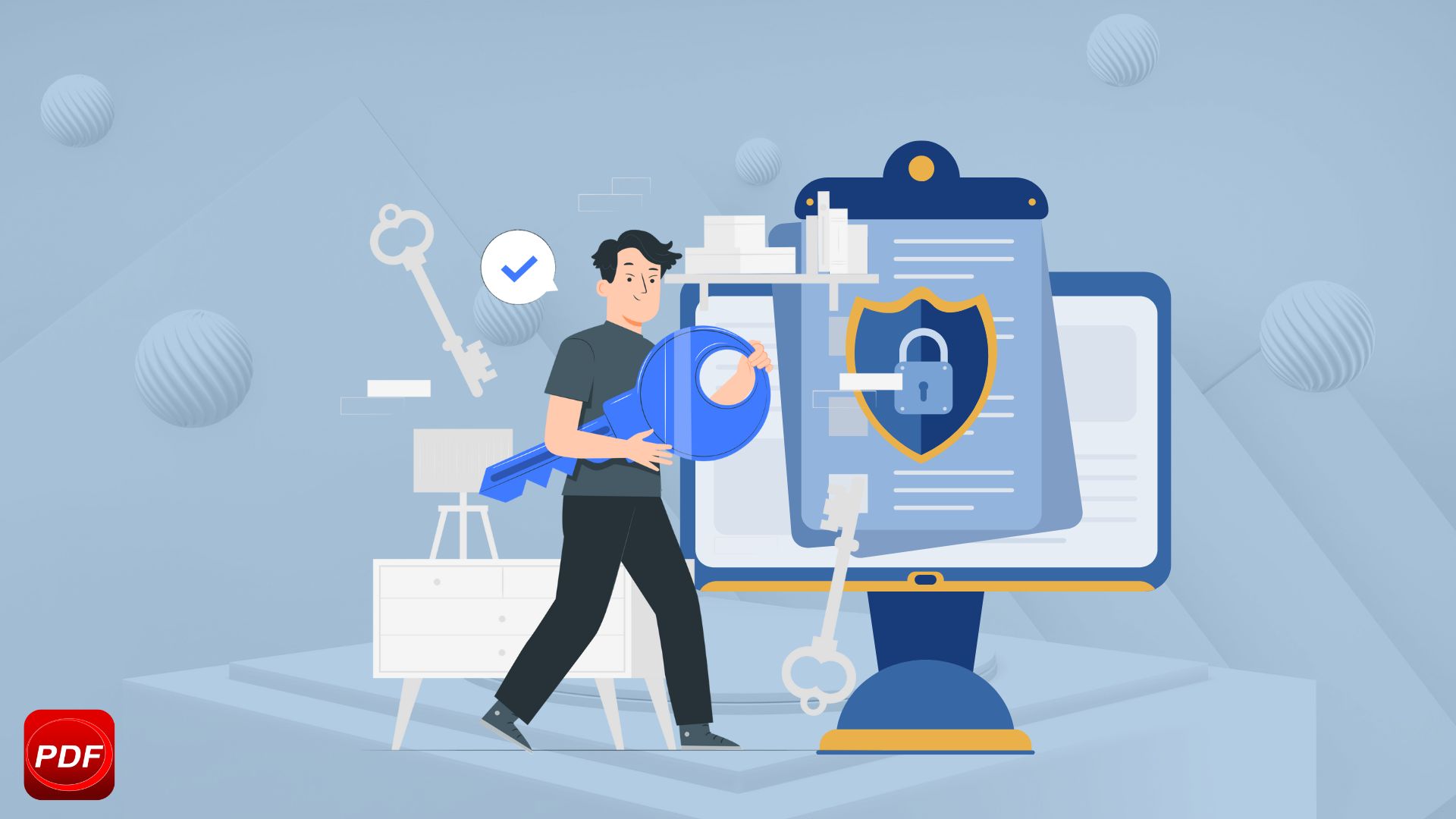
Unlock and edit secured PDFs on Mac effortlessly. Learn how to remove passwords from PDFs, bypass content file locked issues, and use a reliable PDF password remover while maintaining password security.

Want to sign a PDF on Mac? Learn how to electronically sign, add digital signatures, and securely approve documents using Preview & KDAN PDF Reader – no printer needed!

Looking for the best PDF reader and editor for Mac in 2025? Compare top tools like KDAN PDF Reader, Adobe Acrobat, and PDF Expert to find the best option for viewing, editing, and managing PDFs on macOS.
Master your W-9 form or W9 paperwork with these 5 simple tips! This step-by-step guide makes it easy to stay accurate and submit with confidence
Discover five practical solutions to fix PDF opening issues: update editors, check file integrity, use repair tools, unlock encrypted files, and convert formats.

Imagine this: you’re overwhelmed with research papers for a project deadline. Or, you’re sifting through a lengthy legal contract before a big meeting. In both

Navigating through extensive PDF documents often feels like searching for a needle in a haystack. It’s frustrating that the default search function often fails to

Adobe Acrobat has long been the go-to PDF editor for professionals. However, rising costs and a shift to subscription-only pricing have many users seeking alternatives.
View More



Connect with KDAN
Follow us to receive all latest updates and promotions.