


 KDAN PDF for Windows
 Lifetime License for Windows
 LynxPDF for Enterprise
 ComPDF SDK
 Edit PDF
 Add Image
 Add Hyperlink
 Annotate PDF
 Fill in PDF
 Rotate & Crop
 Rearrange PDF
 Add Pages
 Delete Pages
 Bates Numbering
 Sign PDF
 Password Protect
 Unlock PDF
 Merge PDF
 Split PDF
 Convert PDF
 OCR PDF
 Compress PDF
 Slideshow Mode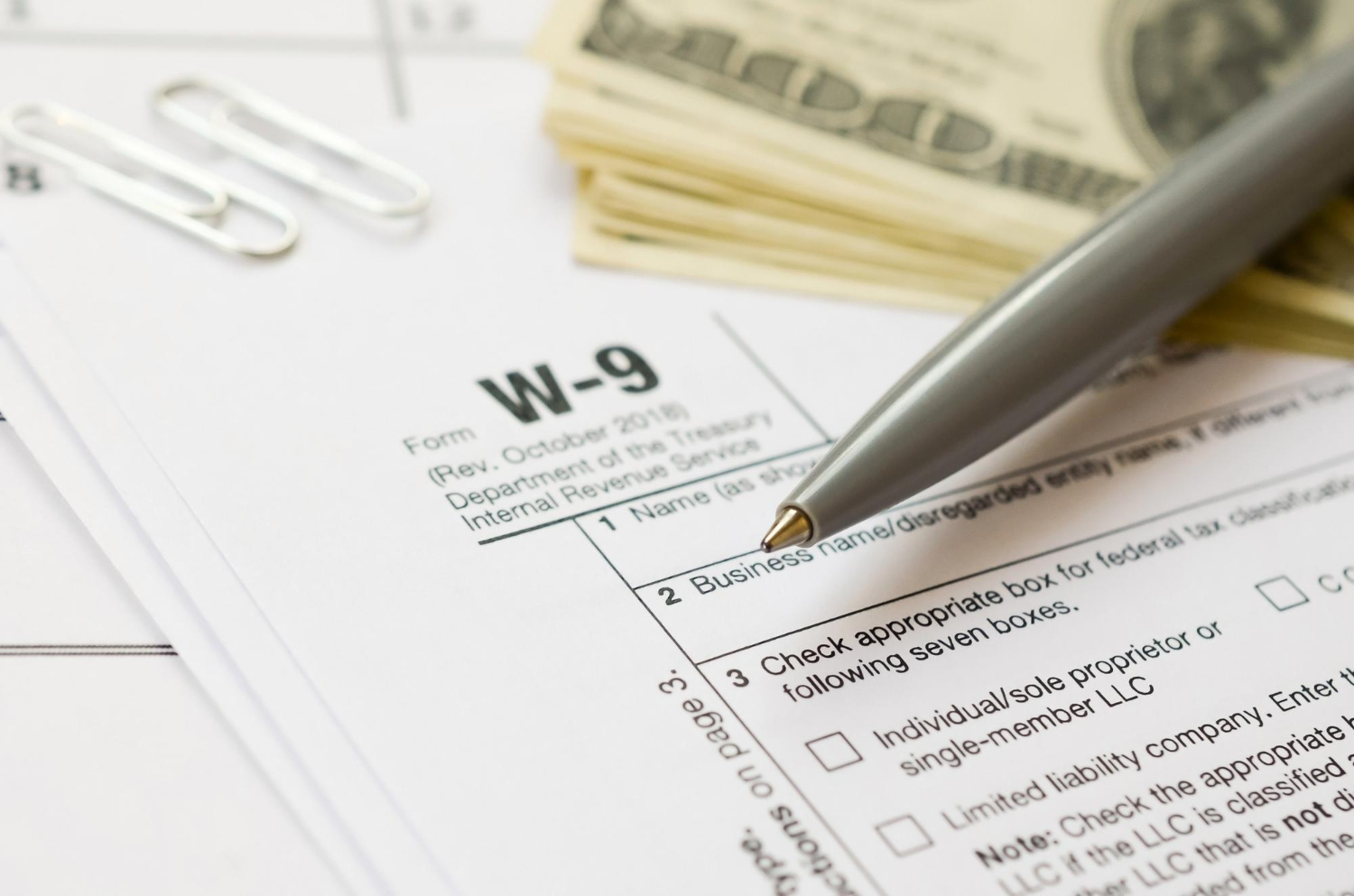
Struggling with IRS Form W-9? Learn how to fill out, sign, and secure your W-9 form PDF using KDAN PDF Discover AI tools and permanent license options to save time and money.
Compare Adobe Acrobat vs. KDAN PDF for legal teams. Learn how to quickly edit, split, and use AI redaction on urgent documents before e-filing deadlines.
Discover why 2026 is the year many users rethink Adobe Acrobat and explore faster, simpler, and more affordable PDF tools that fit everyday workflows.
As Tax Season 2026 approaches, taxpayers are handling a wider range of financial documents than ever before—digital receipts from online purchases, paper invoices from small
Handling complex admin and HR documents every day? Which PDF AI tool is the best value? This article compares 6 leading editors – KDAN PDF, Acrobat, Foxit, and more – across translation, form data extraction, and auto-redaction, plus 3 practical file security tips to help you work twice as fast without compromising data protection.

Looking for ready-to-use PDF templates for your business? Explore the top 10 templates for freelancers and SMBs in 2026, complete with billing, agreements, and project management forms.
Discover the best PDF editors for Windows in 2026. Compare free and paid tools for editing, OCR, annotation, and business workflows to find the right PDF solution.
Learn how to convert pictures to PDF on your iPhone using the Photos app, online tools, or KDAN PDF. Simple steps for receipts, documents, notes, and more—perfect for quick sharing and organized storage.

Stop paying for expensive books! Discover the top 7 legal websites for free PDF textbooks and research papers. Plus, learn how to organize your academic library with KDAN PDF for a smarter workflow. Download safely now!
Need to translate a PDF without breaking the layout? We compared top tools like ChatGPT, DeepL, and KDAN PDF. Learn how to get accurate, format-preserving translations with our one-click guide.
View More



Connect with KDAN
Follow us to receive all latest updates and promotions.